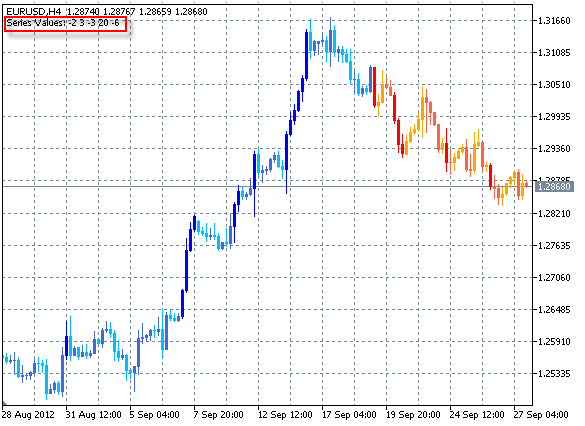
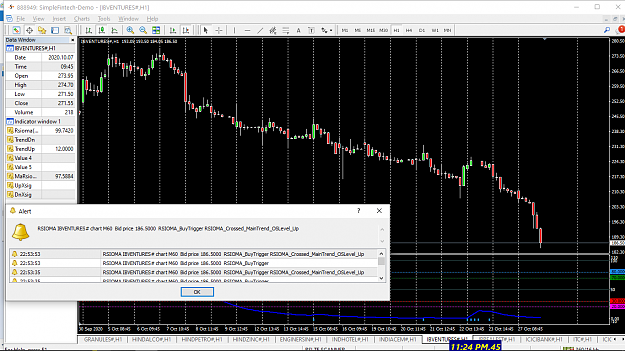
DislikedI'm using a trade pad like attached. But I want to know if you can make a trade pad like this but with stoploss buttons added to it. So for example a 2-3-4-5-6-7-8 pip stoploss button. If you click on the button it will automatically open a position with the desired stoploss and Risk percentage. I scalp the 1min and 15sec chart so the faster I'm with opening a position the better it is. {image}Ignored
Some comments from a coder that has coded my own and a select few MQL4/MQ5/cAlgo Trading Panels and Keyboard Hotkey Trading EAs/Bots (cAlgo does not have Keyboard Hotkey ability at present).
- With regards trading 15 second charts - having coded and used both the above and as far as my personal experience goes - Hotkey Trading is considerably more efficient.
- No having to locate any button and tentatively and expectantly hovering and focusing the cursor over a button. No loosing focus of the Button location under duress of concentration or distraction.
- Its merely a matter of placing cursor focus 'anywhere-on-the-relevant-chart' and pressing a 'single button'.
- A big NO-NO with regard Hotkey Trading is key combination - Ctrl+B. There is absolutely no need to use (as far as MQL4/MQL5) hotkey combinations. Its plainly not efficient. A SINGLE key for any function is all that is required and is the most efficient.
- Any Hotkey Trading EA is highly customizable and versatile regarding user requirements and preferences.
- In brief - my setup: Up/Down Arrows -> Buy/Sell (Note: left and right arrows cannot be used, they move the chart accordingly). 1 - 0 Keys -> Lots, Q,W,E, etc Lot-Step associated with particular Lot Size, < and > add incrementally/subtract incrementally Lot by Lot-Step, etc, etc,. At a press of a single button I can Buy at Bid/Sell at Ask, Close, partially Close, Cancel Pending Order etc., etc.
- Besides a different single button allocated to each particular SL, SL can also be arrange to be entered from the screen.
- * Note *: The Hotkey EA should include text indication on the open position chart (eg: bottom right corner) of Lots Size and trade direction (+1.00 or 1.00 for long and -1.00 for short), SL, TP etc, and other relevant information per open position.
- Large text chart symbol identification helps avoid wrong chart blunders - see below Dangerous.
Hotkey Trading is simultaneously both dangerous and safer.
Dangerous: If the trigger is pulled and the cursor focus is on a chart other than intended chart - be warned --->> a very fast and possible costly mistake.
Safe: When not trading a press of a single button can set Lots size to Zero (0) or disable the EA for a particular chart . This prevents the proverbial fat finger blunder.
If this route is experimented with and found to be favorable - due to highly customizable availability - it would be advantageous to work with a trusted and competent coder.
As I code 99% my own requirements I have no coder recommendations - however, came across this the other day - the coder is well known and trusted - https://www.mql5.com/en/users/mladen/feedbacks
Further to the above ensure to obtain the .mq4 file - once the code is assessed it will be seen that it's fairly straightforward and it should not be too hard, with some research, to make own code edits to satisfy future requirements.
Further considerations: Mechanical vs Membrane vs Optical Keyboard - https://store.hp.com/us/en/tech-take...-better-gaming
BTW: anyone interested in the free ($0) MT4/MT5 Trading Panel imaged in the original post - https://www.pointzero-trading.com/Pr...w/PZTradePadEA


 {file} {file}

 . I'm fake coders





 oing same ting over expecting different results..Einstein