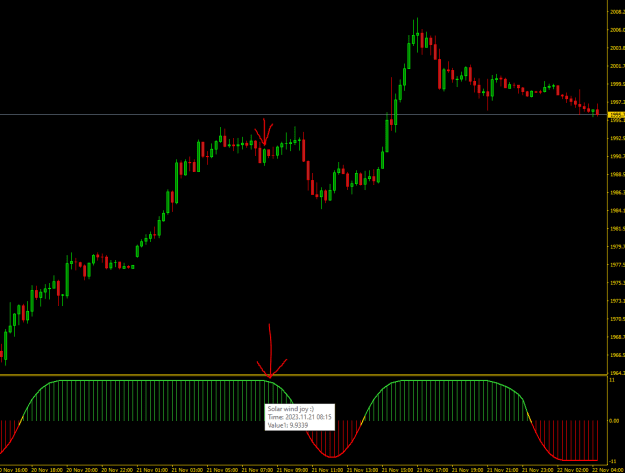
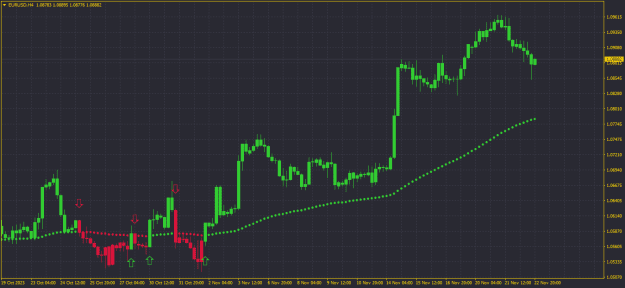
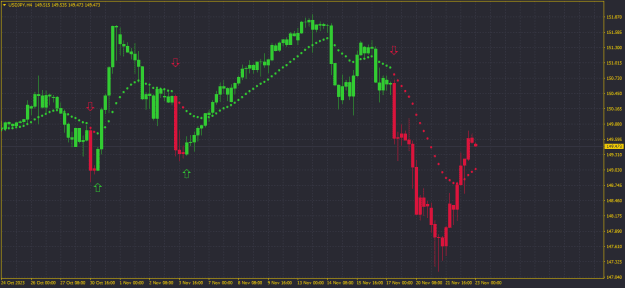
{quote} it is repaint in realtime. others coders, please helpe thanks
Ignored
Yes, all such indicators repaint.
There is no fix for repainting.
Even those that have "nrp" in their name also, usually repaint.
A mathematical formula for predicting the future price or movement of price does not exist!
...difference...one used a predefined array (MT4) with value ready for access... while the other use a timeseries function (MT5), which...not readily available
Yes, but that is not to say that timeseries functions are bad, just that other symbol/tf (which are settings to the function) data has to be physically downloaded first, whereas the predefined stuff is already present as what you see on the chart.
Quote
Disliked
is a reason why one would prefer using the timeseries function
- other symbol/tf, look at the parameters for the functions, they ask for symbol and tf, that means you can get price data from another symbol and/or tf
- any delay with accessing other symbol/tf data is acceptable, the delay only happens once when requested if the data isn't already present
- note that if you were to use timeseries functions and just call the current chart symbol and tf (or another symbol or tf that you've already called), then there would be no noticeable delay
- converting from mql4 to mql5, mql5 doesn't have predefined timeseries arrays of Time[], Open[] etc which can be used anywhere in a mql4 file, mql5 does have time[] and open[] etc available only inside oncalc(), but not outside, so if there is a use of say Volume[] somewhere in mql4, in mql5 it has to be volume[] if inside oncalc() or if anywhere can be iVolume(). Because it can be used outside oncalc(), iVolume() would be used instead if one were to do a find-replace with say Close[i] in mql4 with iClose(sym,tf,i) usable in both mql4 and mql5.
{quote} Need an example of this, what do I do to recreate the issue?
Ignored
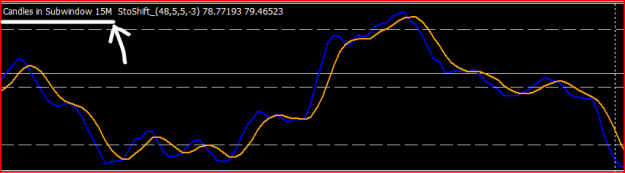
Master this is what i mean, it was working fine all through yesterday, when it stop printing the candles i double click and ok, all other candles disappear
if you noticed i add the stoch, but i dont understand what the stoch is doing to it to stop working and i dont want to have double window
this happens to all of them but this particular is the W6MA
{quote} Master this is what i mean, it was working fine all through yesterday, when it stop printing the candles i double click and ok, all other candles disappear if you noticed i add the stoch, but i dont understand what the stoch is doing to it to stop working and i dont want to have double window this happens to all of them but this particular is the W6MA {image}
Ignored
You're still not giving enough information. What happens when you switch chart tfs, reload the indicator, is there anything in the experts tab, just saying its not working isn't enough.
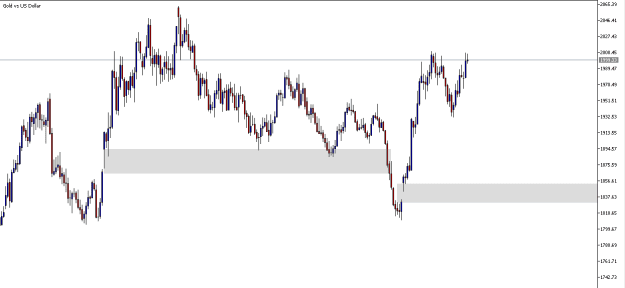
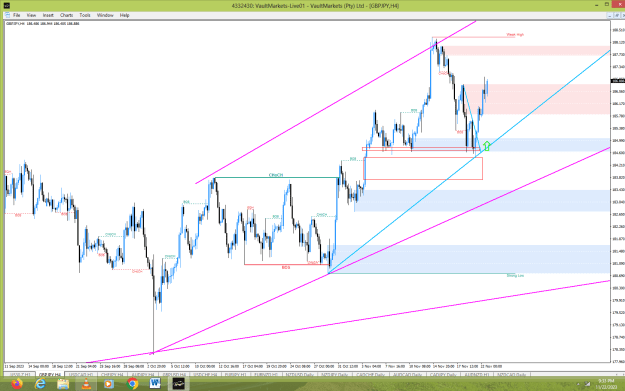
hi guys am new here and i help please...to those who know how to "code mt4 indicators" can someone divide the "order block" part on this indicator in the attachment picture?????
Hello. Would appreciate some assistance please. I am not an expert on Mql4. I just piece together snippets of codes here and there and come up with something that works most times. The code below is a buy script and calculates the lots based on account size. It seems to work for all other currency pairs, but fails to work for JPY currency pairs - the lots size calculated is wrong (I have checked this with other position size calculators). I have checked and checked the code and cannot not figure out what is causing the incorrect calculation. Hope somebody can help please. Thank you
Inserted Code
#property show_inputs

#define  NL    "\n"
extern double  RiskPercent = 0.1;
extern int     Slippage   = 3;
extern int       BEtop = 10;
extern double    atrMultiple = 1;
extern int       magic = 0;
extern string  TradeComment="BUY";
//+------------------------------------------------------------------+
//| script "Open a new Buy Order"                                    |
//+------------------------------------------------------------------+
double getATRvalue()
{
  int pipMult = 10000;
     if (StringFind(Symbol(),"JPY",0) != -1)
     {
      pipMult = 100;
     }
   //fetch current 14-period ATR value
   double atr = iATR(NULL,0,20,0);
   atr = atr * pipMult;
  return (atr);
}
//+-----------------------------------------------------------------+//
int start()
  {

   double Price = WindowPriceOnDropped();
   bool   result;
   int    cmd,total,error,slippage;

//----
   int NrOfDigits = MarketInfo(Symbol(),MODE_DIGITS);   // Nr. of decimals used by Symbol
   int PipAdjust;                                       // Pips multiplier for value adjustment
      if(NrOfDigits == 5 || NrOfDigits == 3)            // If decimals = 5 or 3
         PipAdjust = 10;                                // Multiply pips by 10
         else
      if(NrOfDigits == 4 || NrOfDigits == 2)            // If digits = 4 or 3 (normal)
         PipAdjust = 1;
//----

   double nTickValue=MarketInfo(Symbol(),MODE_TICKVALUE);   //value of a tick
   if(Digits==3 || Digits==5){       //If the digits are 3 or 5 we normalize multiplying by 10
      nTickValue=nTickValue*10;
      }

   double atr = MathRound(getATRvalue());
   double stopAtr = atr * atrMultiple;
   double BEplus = stopAtr +  BEtop;
   double stop_loss = Price - stopAtr * Point * PipAdjust;
   double take_profit = Price + BEplus * Point * PipAdjust;


   double Lots = (AccountBalance()*RiskPercent/100)/(stop_loss*nTickValue);
   Lots = (MathRound(Lots/MarketInfo(Symbol(),MODE_LOTSTEP))*MarketInfo(Symbol(),MODE_LOTSTEP)) / 2;   //to round up the lots to prevent errors with minimum lot size by broker etc.

   Comment("ATR(20):  ", atr+ NL,"SLpips:  ", stopAtr+ NL, "TPpips:  ", BEplus+ NL, "Lots  ", Lots);

   slippage = Slippage * PipAdjust;

   if(Ask > Price)
   {
   result = OrderSend(Symbol(),OP_BUYLIMIT,Lots,Price,slippage,stop_loss,take_profit,TradeComment,magic,0,CLR_NONE);
   result = OrderSend(Symbol(),OP_BUYLIMIT,Lots,Price,slippage,stop_loss,0,TradeComment,magic,0,CLR_NONE);

   }
   else
   {
   result = OrderSend(Symbol(),OP_BUYSTOP,Lots,Price,slippage,stop_loss,take_profit,TradeComment,magic,0,CLR_NONE);
   result = OrderSend(Symbol(),OP_BUYSTOP,Lots,Price,slippage,stop_loss,0,TradeComment,magic,0,CLR_NONE);

   }
//----
   return(0);
{quote} Ok, now, love it or leave it! I have performed a major operation on this indicator! All alerts have been tested out and working. I will only supply the ex4 file, because I don't want anybody to mess this up! File is also protected from changing the file name. All persons involved in the creation of this indicator have been indicated. EDIT!!! Just a little tweak in the inputs section that I missed: {file}
Ignored
hi BestTraderEv
this was a fantastic mod you did to the rsioma indicator making it perfect. many thanks for that.
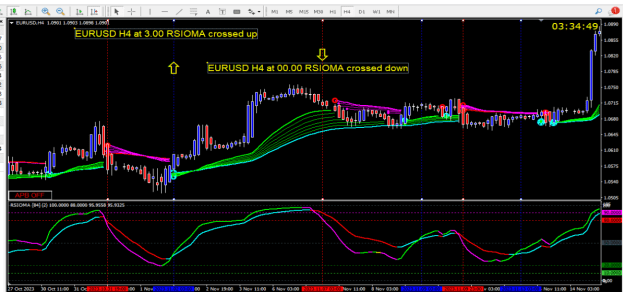
one more request, can you make alert on two rsioma cross (fast rsioma and slow rsioma)...1) ignoring the ma crosss completly 2) ignore the trend and trigger levels completlyl 3) marking the cross with dotted vertical line on chart. 4) alert after completion of candle
in short alert : EURUSD H4 at 12.00 RSIOMA crossed up
{quote} hi BestTraderEv this was a fantastic mod you did to the rsioma indicator making it perfect. many thanks for that. one more request, can you make alert on two rsioma cross...1) ignoring the ma crosss completly 2 ignore the trend and trigger levels completlyl 3) marking the cross with dotted vertical line on chart. in short alert : EURUSD H4 at 12.00 RSIOMA crossed up {image} {file} many thanka in advance
Ignored
HI
it looks good the crossing lines,can you please share the settings ?
thank you
{quote} Thanks again. Can we make it that the indicator checks the last 3 daily candles to confirm the pattern rather than scan all history. The pattern again is: Bullish Scenario 1. Candle 1 is first reference candle 2. Candle 2 sweep candle 1 Low but does not close above candle 1 high 3. Candle 3 Does Not sweep candle 2 Low but sweep and close with a body of candle 2 High. When this happens, an onscreen note " Three Bar Candle Bullish: ON", if not "Three Bar Candle Bullish: OFF'' Bearish Scenario 1. Candle 1 is first reference candle 2. Candle...
Ignored
I think this might be what your looking for..... it shows the Three Candle Reversals following the rules of @BestForexMethod on Twitter.
Thanks to RebelAnt for creating it, he can be found as @intrepidnoodle on Twitter.
{quote} HI it looks good the crossing lines,can you please share the settings ? thank you
Ignored
sure
12,0,3,2,3
18,0,3,2,3
color 3 set to none.
fixed minimum (-5), fixed maximum 105
these settings work well with H4 charts.
https://www.forexfactory.com/thread/...14656861#reply
my results of 15 days are documented in the above post
but here i have used it as a confirmation to the guppy system rather than the entry. i think the entry will be earlier if we use cross, lessser stoploss and better risk reward ratio.
{quote} You're still not giving enough information. What happens when you switch chart tfs, reload the indicator, is there anything in the experts tab, just saying its not working isn't enough.
Ignored
Master i tried again the same situation, i dont change timeframe, i just left it the way its applied, however am using it on MTF, attached is from expert tab
{quote} SR_Equal_HL - looks for equal highs/lows - input history (number of candles to look through) - optional pip margin (distance to a matching high/low in pip, check printout) - optional minimum candles apart (between two highs/lows) - optional clear-match or candles in way (no candles in the way of a line) - draw limit (limit of lines drawn, start from live to the left) - show/hide btn updated - styles and width bug {image} pips margin and adjust, a printout is provided to see what is considered a pip and what the margin to match is {image}...
Ignored
Hi man, this looks like a great piece of code, I've been searching this for months, thank you so much!
any chance you still have the code and can add notifications on a new equal highs/lows? would be amazing
{quote} Master i tried again the same situation, i dont change timeframe, i just left it the way its applied, however am using it on MTF, attached is from expert tab {image} {image}
CODE HELP BUY: High > Highest( Close , 48) , SELL: Low < Lowest ( Close,48) ,EXİT: Stoploss % Percent , Take Profit % Percent , Trailing Stop% Percent
Can anyone help me write the code below?
METATRADER 5 - MQL 5
BUY: High > Highest( Close , 48)
SELL: Low < Lowest ( Close,48)
System will buy when the 48-bar high is broken, and close the position with Stoploss, Takeprofit, and trailing. System will sell when the 48-bar low is broken, and close the position with Stoploss, Takeprofit, and trailing. System will only trade in the long direction, or only in the short direction.
Stoploss: 1%, Profit: 10% (not in pips, but in percentage)
Trailing Stop: Initial trailing stop is 2%, trailing stop will continue at 1% once the profit reaches 6% Input values can be assigned and changed:
*High-Low bar count: (which is 48), Stoploss, Profit, Lot, Long-Short direction (for single-double direction use),
*Initial trailing stop( which is 3% ), Trailing profit condition: (which is 6%) , Trailing stop value after profit: (which is 1%)
The values assigned to the input can be optimized.
Hello and thanks to the programmers, I wnat a MT5 indicator to push notification and alert to me with this criteria:
Double RSI With SMA based on first RSI
RSI(A), RSI(B), SMA(C) based on RSI(A)
Draw level 0,30,40,50,60,70,100
Indicator push notification and alert when (Buy Condition):
RSI(A) Cross Up Level X(option to choose level on setting)
And when RSI(B) Cross Up SMA(C)
Then send push notification and alert
Option to choose Alert on current candle or when candle closing
In Opposite Condition
Indicator push notification and alert when (Sell Condition):
RSI(A) Cross Down Level X(option to choose level on setting)
And when RSI(B) Cross Down SMA(C)
Then send push notification and alert
Option to choose Alert on current candle or when candle closing



 I will code your EAs and Indicators for no charge