



MetaTrader 5 (MT5) Download and Installation Guide
MetaTrader 5 (MT5) is a robust multi-asset trading platform that allows users to trade in Forex, stocks, commodities, futures, and more. Designed with a user-friendly interface and equipped with advanced technical analysis tools, MT5 caters to both novice and experienced traders. The platform not only offers extensive functionality but also supports practical Forex education by enabling users to apply theoretical concepts in live market environments.
Key Features:
MetaTrader 5 (MT5) is a robust multi-asset trading platform that allows users to trade in Forex, stocks, commodities, futures, and more. Designed with a user-friendly interface and equipped with advanced technical analysis tools, MT5 caters to both novice and experienced traders. The platform not only offers extensive functionality but also supports practical Forex education by enabling users to apply theoretical concepts in live market environments.
Key Features:
- Access to Forex, stocks, futures, and commodities markets
- 38 built-in indicators and 21 different timeframes
- Built-in economic calendar and financial news feed
- Support for automated trading via Expert Advisors (EAs)
- Real-time market prices and interactive charts
- Cross-platform compatibility (Windows, macOS, Android, iOS)
MetaTrader 5 Download Options
- Download MetaTrader 5 for Android
- Download MetaTrader 5 for iOS
- Download MetaTrader 5 for Windows
- Download MetaTrader 5 for macOS
- MetaTrader 5 download and installation guide
- MetaTrader 5 free download
Download and Install MetaTrader 5 on Android
To install MT5 on an Android device:
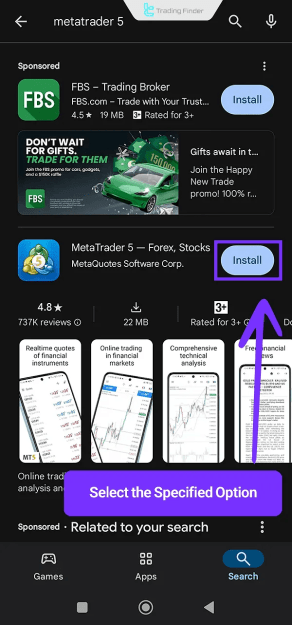
- Open the Google Play Store and search for “MetaTrader 5”
- Tap the Install button
- Wait for the download and installation to finish
- If the status says “Pending,” wait until installation begins
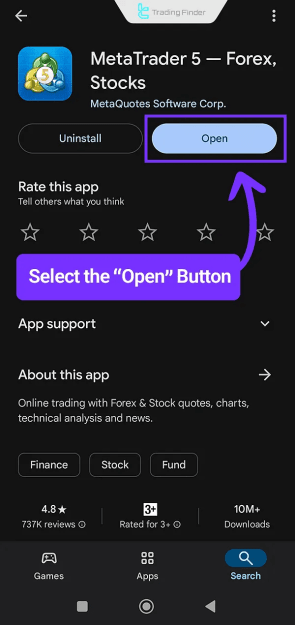
- Tap Open to launch the platform
Download and Install MetaTrader 5 on iOS
To install MT5 on iPhone or iPad:
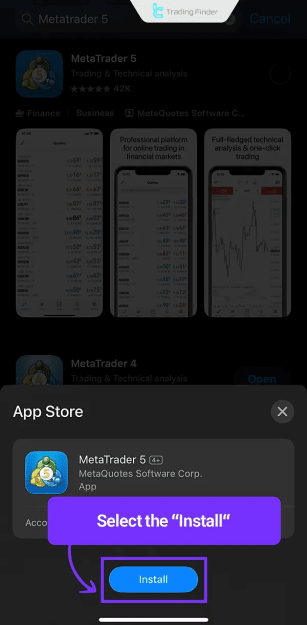
- Open the App Store and search for “MetaTrader 5” or “MT5”
- Tap Get to start the download
- Tap Install when prompted
- Once the app is installed, tap Open to access the platform
Download and Install MetaTrader 5 on Windows
To set up MT5 on a Windows PC:
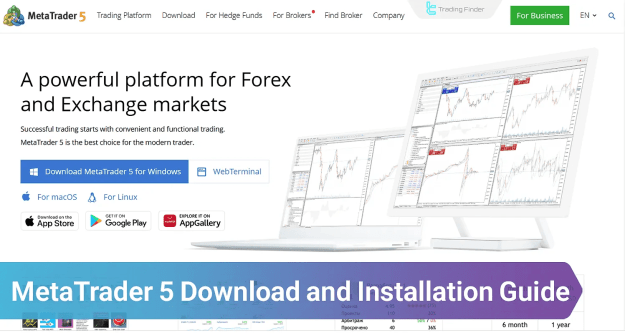
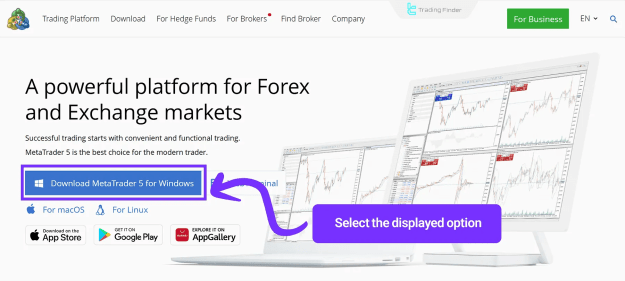
- Go to the official MetaTrader 5 website
- Click on “Download MetaTrader 5 for Windows”
- Open the downloaded .exe file
- Click Next to begin installation
- After completion, click Finish to launch the platform
Download and Install MetaTrader 5 on macOS
To install MT5 on a macOS device:
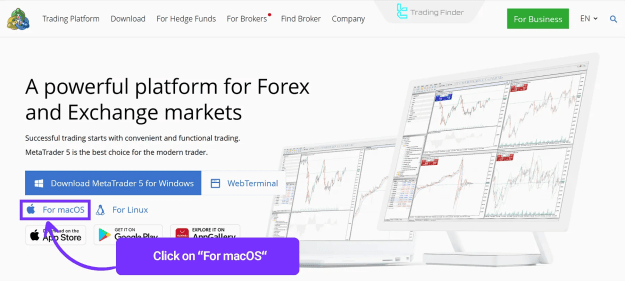
- Visit the official MetaTrader 5 website
- Select the “For macOS” download option
- Extract the downloaded archive using tools like WinRAR
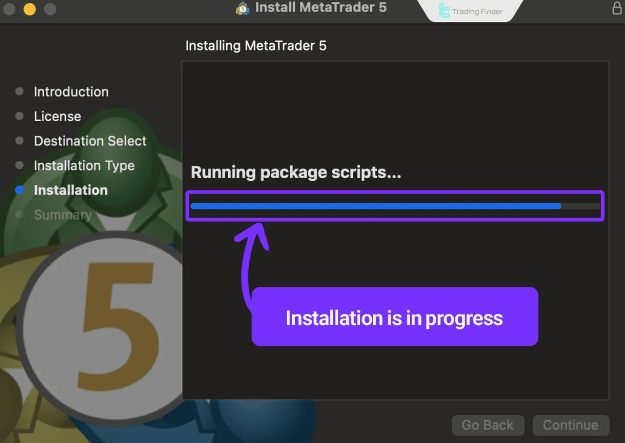
- Open the .pkg file to start the installation
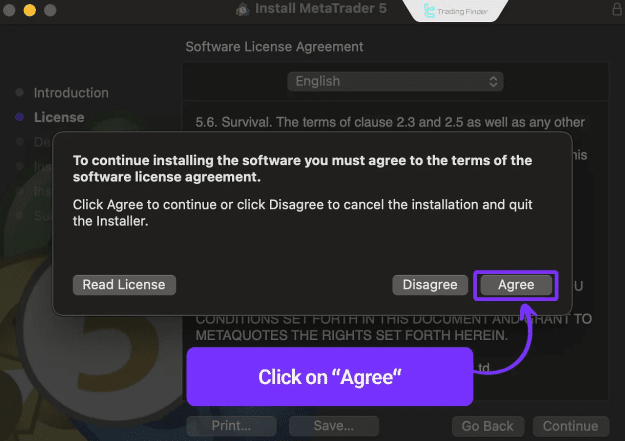
- Click Continue and Agree to the terms
- Complete the process by clicking Finish
Conclusion
MetaTrader 5 is a feature-rich and free trading platform ideal for traders who require powerful tools and flexibility across devices. Whether you're on desktop or mobile, MT5 offers:
- Professional charting and analysis tools
- Automated trading with Expert Advisors
- Integrated economic calendar and financial news
You can download MetaTrader 5 via the official website or trusted sources like Google Play and the App Store.
Attached Image(s) (click to enlarge)

Attached File(s)
