- MetaTrader 4 for Windows
- MetaTrader 4 for macOS
- MetaTrader 4 for Android
- MetaTrader 4 for iOS
MetaTrader 4 Download and Installation on Desktop
This section outlines the steps required to download and install MT4 on different desktop operating systems.
Installing MetaTrader 4 on Windows
To install MT4 on a Windows system:
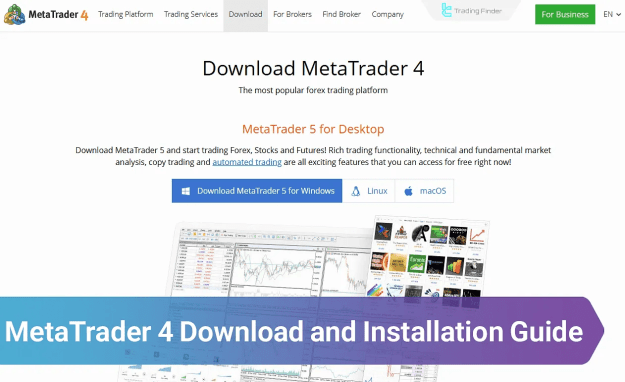
- Navigate to the official MetaTrader website.
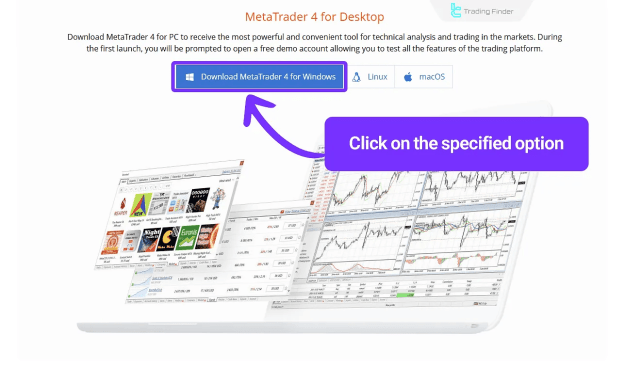
- Click the Download MetaTrader 4 for Windows button.
- Once the file is downloaded, open it.
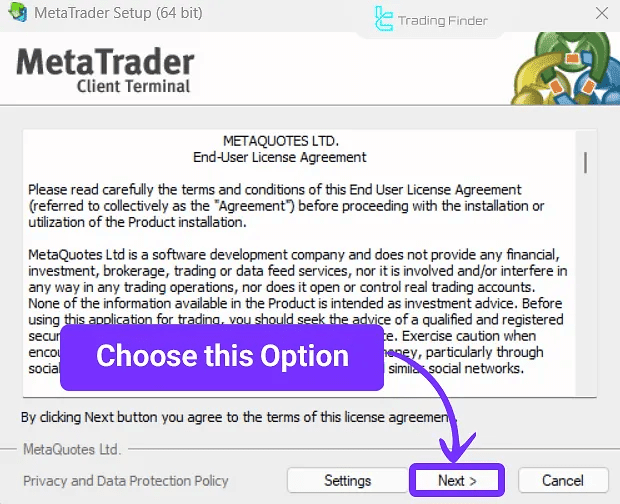
- In the setup window, click Next.
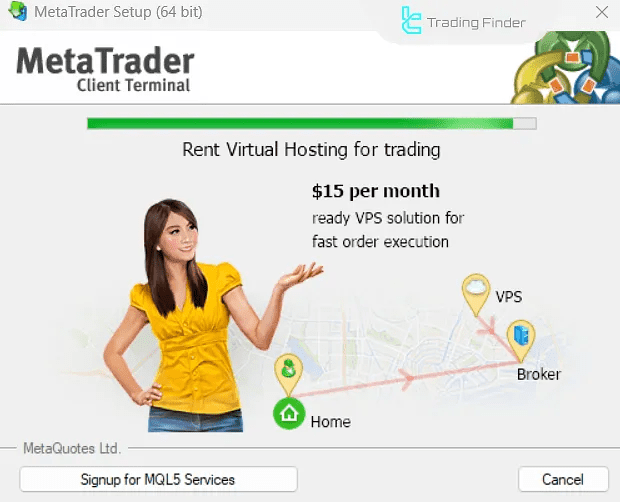
- Wait for the installation process to complete.
MT4 is now ready for use, and you can begin customizing charts or adding MetaTrader 4 indicators.
Installing MetaTrader 4 on macOS
To install MetaTrader 4 on a macOS device:
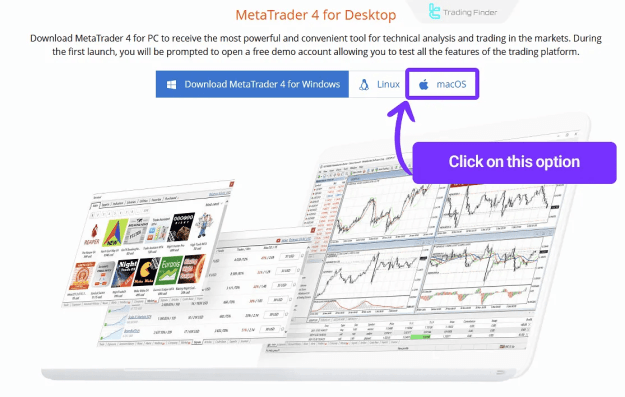
- Visit the official MetaTrader 4 download page.
- Select Download MetaTrader 4 for macOS.
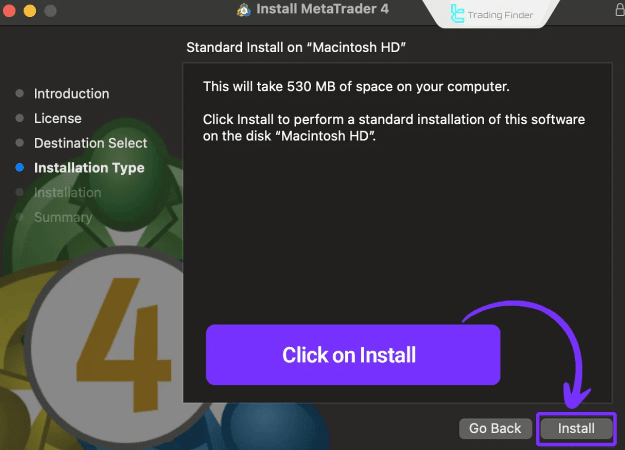
- Open the downloaded file and select Install.
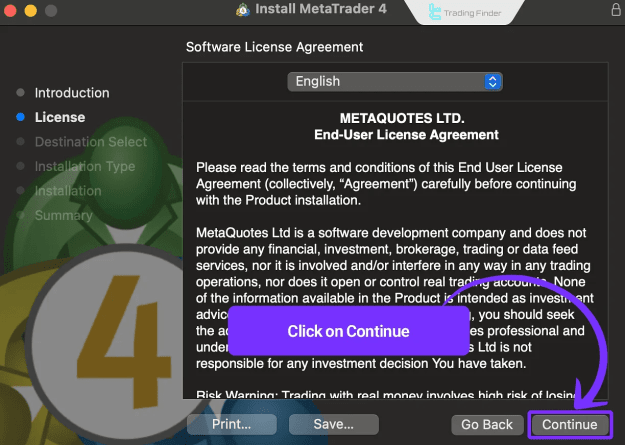
- Click Continue on the installer screen.
- Agree to the terms and conditions by clicking Agree.
- Wait for the installation process to finalize.
Once installed, MT4 will be available in your Applications folder for trading activities.
MetaTrader 4 Download and Installation on Mobile Devices
Mobile trading is essential for many traders. Below are the instructions for installing MT4 on smartphones and tablets.
MetaTrader 4 for Android
To install MetaTrader 4 on an Android device:
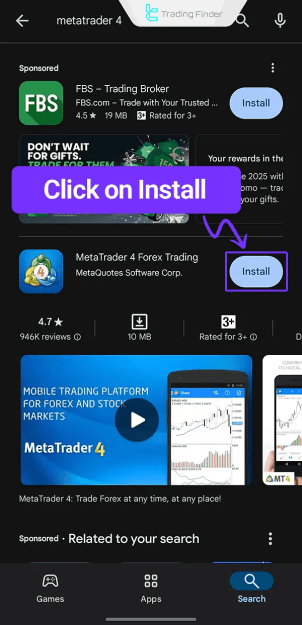
- Open Google Play Store.
- Search for MetaTrader 4.
- Tap the Install button to begin the download.
- The app will be installed automatically upon completion.
Once installed, you can log in using your brokerage credentials and access your trading account.
MetaTrader 4 for iOS
To install MT4 on an iPhone or iPad:
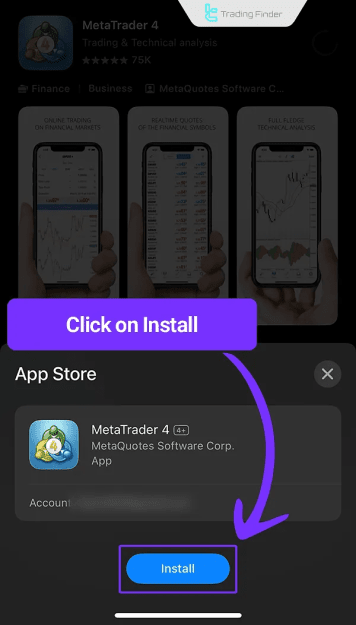
- Open the App Store on your iOS device.
- Search for MetaTrader 4.
- Select the appropriate app listing.
- Tap Install to begin the process.
After installation, the MT4 app will be available for trading on the go.
Key Features of MetaTrader 4
- Real-time price quotes for multiple assets
- Access to hundreds of built-in and custom indicators
- One-click trading and multiple charting tools
- Compatibility with Expert Advisors (EAs) for algorithmic trading
- Multi-device support across desktop and mobile
Conclusion
This MetaTrader 4 Download and Installation Guide covered how to set up MT4 across various platforms, including Windows, macOS, Android, and iOS. For additional resources and forex education content, users are encouraged to explore related MetaTrader 4 tutorials and tools provided on the platform.